
Car Infotainment in 2026: What's Worth Paying For Now
A bigger screen is easy to sell and hard to live with. What matters is whether the system is quick, readable and still supported in five years.
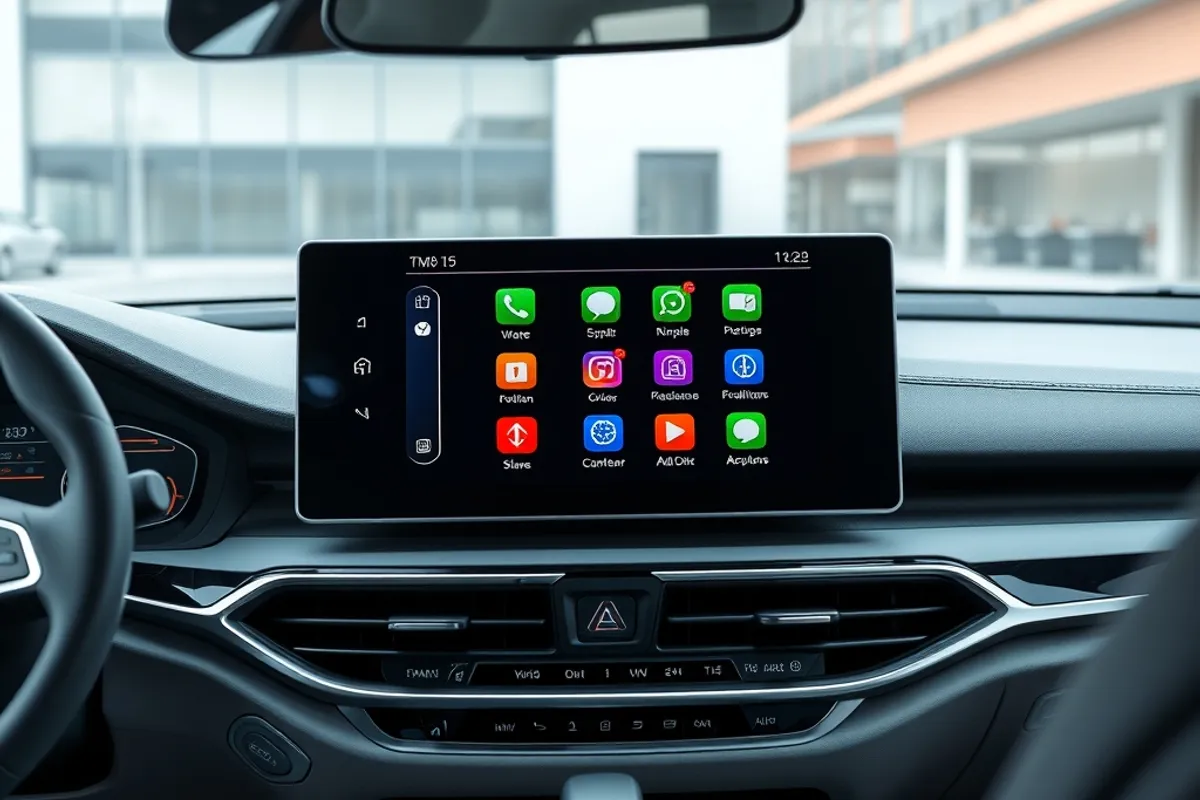
A bigger screen is easy to sell and hard to live with. The best infotainment system in 2026 is not the one with the most pixels; it is the one that starts quickly, keeps the important controls within reach and still receives updates in five years. Everything else is showroom theatre.
This guide looks at what actually earns the money: phone integration, audio, navigation, menus and the subscription services that quietly renew. It also covers what you can add later and what is better bought with the car.
What matters more than screen size
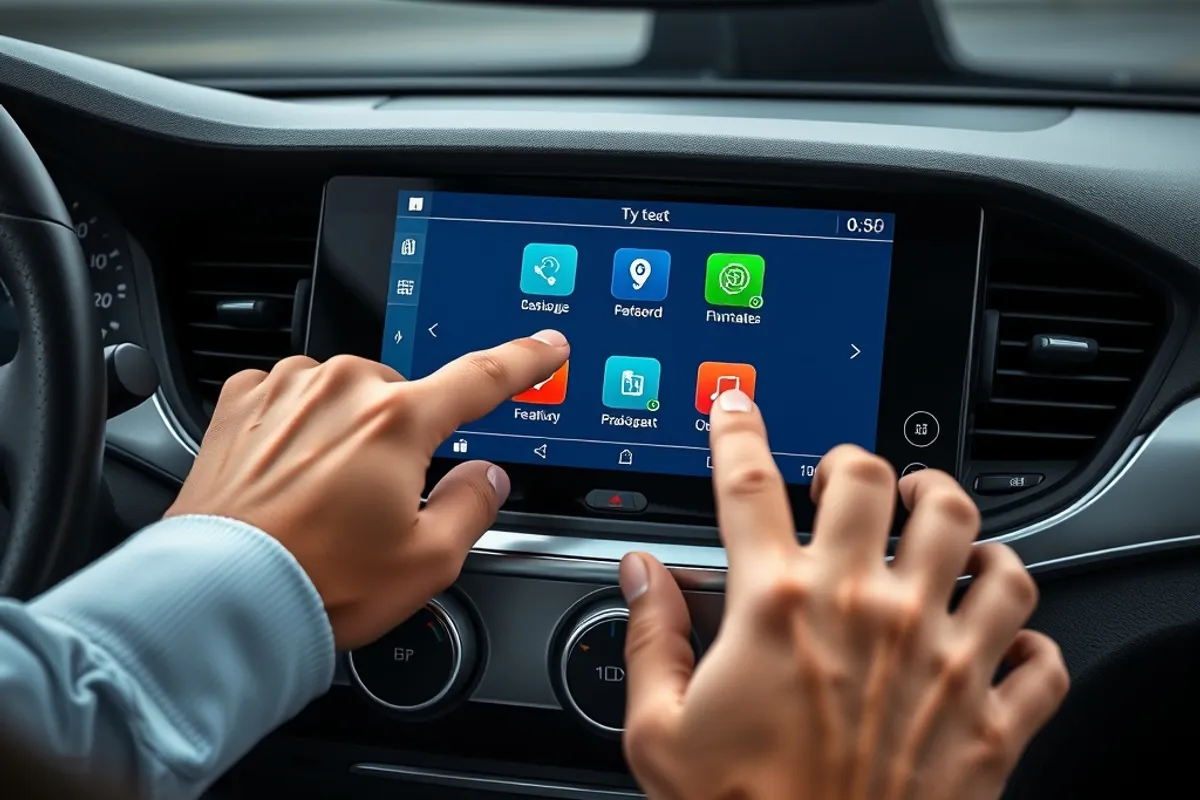
Response time, glare handling, physical controls and software support matter more than diagonal inches. A slow screen forces you to look away longer, which is a safety issue as well as an annoyance. Matte finishes and good brightness beat a glossy panel that turns into a mirror in sunlight. Physical knobs for volume and temperature remain easier to use without looking.
Check the placement too. A screen mounted low in the console is harder to scan than one high on the dashboard. If the climate controls live inside the touchscreen, try them while driving before you buy; some systems bury basic functions two menus deep.
Wireless CarPlay and Android Auto
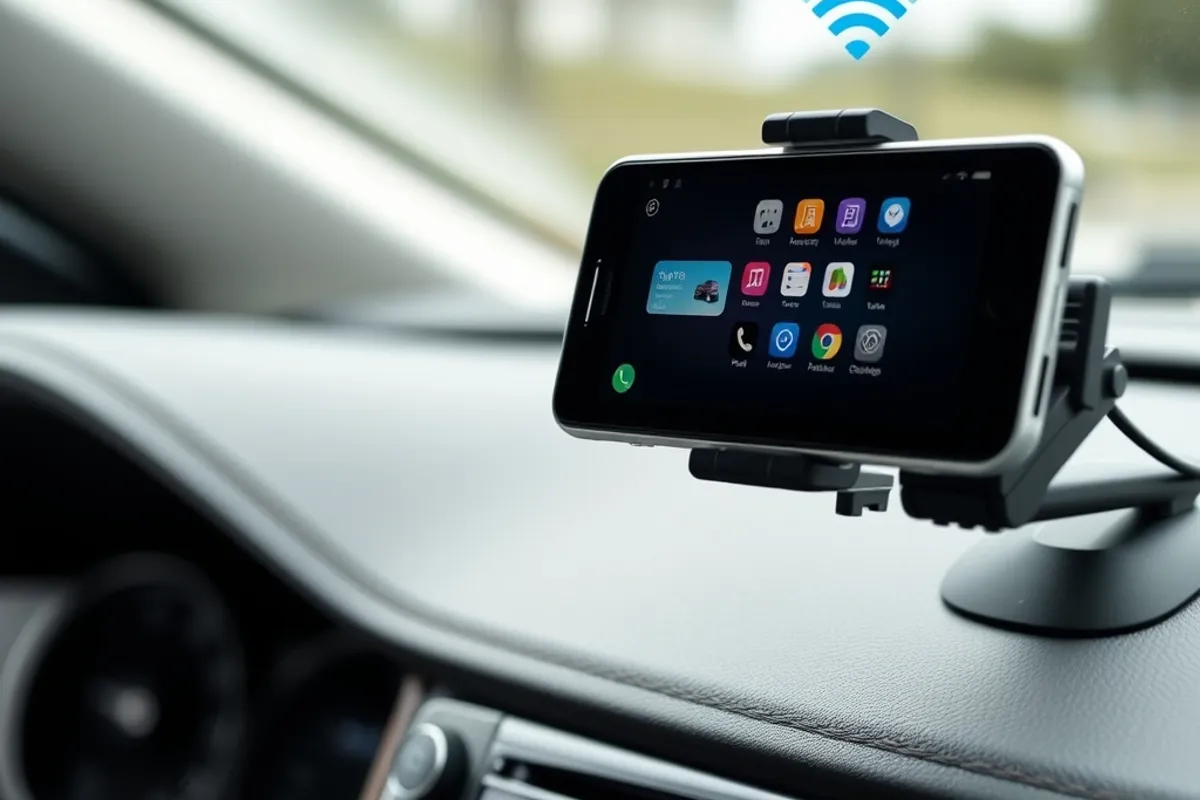
Phone integration is the feature most owners use every day, and wireless versions are now common. They remove the cable, but they also drain the phone battery and can drop the connection in busy areas. Wired connections are more reliable and charge at the same time. If the car offers wireless charging, test whether it keeps up with navigation use.
Look for a system that remembers two phones and switches predictably. Some units hand over to the passenger's phone without warning, cutting the driver's navigation. A good implementation lets you choose priority and keeps the last used phone connected.
Audio: the upgrade that is worth it
Speakers and sound tuning are among the few options that improve every journey. A premium audio pack usually adds better drivers, an amplifier and sometimes a subwoofer. It is worth the money if you listen a lot; it is not worth it if you mainly take calls. Test with your own music, not the demo track, and listen at a realistic volume.
Aftermarket upgrades are possible but can be expensive once you account for adapters, sound deadening and labour. If the car has a good head unit, a speaker upgrade often delivers more value than replacing the whole system.
Navigation and subscriptions
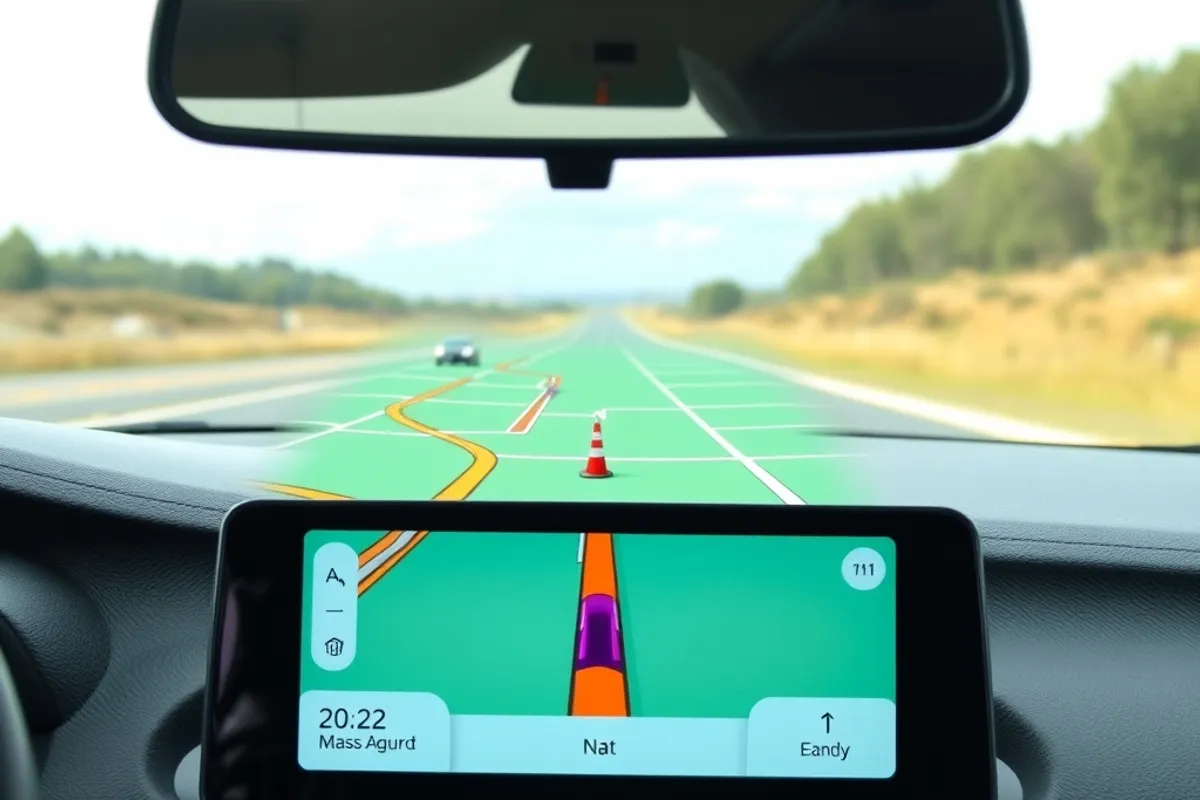
Built-in navigation is convenient when it uses live traffic and updates maps without a dealer visit. Phone navigation is usually better at traffic and points of interest. The real question is cost: some manufacturers charge an annual subscription for maps or connected services that were free during the trial period.
Before you buy, ask what is included, for how long, and what happens when the trial ends. A car whose remote start or climate preconditioning depends on a subscription is a different ownership proposition. Read the connected-services terms and check whether the features you want work without a data plan.
The best screen is the one you stop noticing because it does what you expect.
Daniel Brooks
Privacy, updates and security
Modern cars collect data: location history, phone contacts, voice commands and driving behaviour. Ask what the car records and where it goes. Look for a clear privacy menu, the ability to delete data and a documented update policy. Over-the-air updates are valuable, but only if the manufacturer actually ships them for the life of the car.
Security matters too. A connected car is a computer with wheels, and older systems may stop receiving patches. Prefer a unit with a recent software version and a track record of updates. For general guidance on connected-device privacy, the U.S. Federal Trade Commission publishes plain-language advice at ftc.gov.

Factory system or aftermarket retrofit
An aftermarket head unit can modernise an older car, but integration is the catch. Steering-wheel controls, reversing cameras, parking sensors and amplifier wiring may need adapters, and some cars resist replacement because climate and vehicle settings live in the factory screen. A reputable installer can do it well; a cheap one can leave warning lights and lost functions.
Retrofitting is usually worth it on a car with a basic radio and no screen. On a newer car with a working system, the money is better spent on tires, brakes or sound deadening. Our ADAS guide explains which safety features depend on the same sensors and cameras, and our family SUV round-up notes which systems are standard on each pick.
- Prefer physical controls for volume and climate.
- Test screen brightness in direct sun.
- Confirm subscription costs after the trial.
- Check the update policy and privacy menu.
- Keep the factory system if it already works well.
Final word
Infotainment should make driving easier, not add a monthly bill and a learning curve. Choose quick software, reliable phone integration and good audio over a headline screen size. Then check the fine print on subscriptions and updates before you sign. A modest system that works every day beats a spectacular one that stops being supported.
Key facts
- Speed, glare handling and physical knobs beat screen size.
- Wired phone projection is more reliable on long trips.
- Audio upgrades improve every journey; subscriptions often do not.
- Check map and connected-service costs after the trial.
- Retrofit only when the factory system is genuinely basic.
Buy the software, not the screen.